

EARCANDY-14333201
Description
Redefine your stereo field with SweetPoint the ultimate tool to enhance the stereo spread of your audio. SweetPoint is an innovative audio plugin designed to smartly optimize your stereo field with transparent mid-side processing whether you're working on a single track an entire mix or the final mastering stage.
Powerful XY Pad With an intuitive XY Pad SweetPoint allows instant stereo control with simple gestures dynamically adjusting mid-side gain for endless creative possibilities. Smart Assistant ometimes a second opinion makes all the difference. Featuring a unique in-housedeveloped Smart Assistant SweetPoint offers insightful suggestions to achieve a suitable stereo image providing guidance to help you create your ideal stereo image effortlessly.
Custom Stereo Width Meter Monitor and adjust your audio with our custom-built Stereo Width Meter granting precise feedback and a clear visual representation of your stereo field.
Detailed Stereo Controls weetPoint also provides detailed controls such as Mid and Side knobs for precise midside gain adjustments a Side High-Pass Filter to clean up the side signal for a clear stereo image and a Split control to easily convert mono signals to stereo with a calibrated Haas effect.
Specs

 This product
Ear Candy SweetPoint: Bitcrusher Plugin
EAR CANDY
Rs. 4,575 |
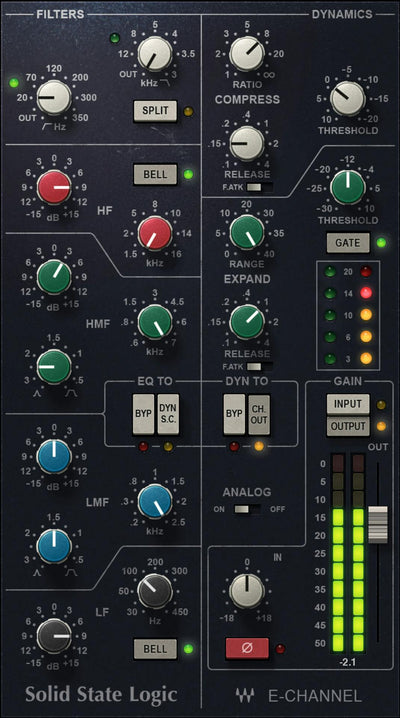 Waves SSL E-Channel: Channel Strip Plugin
WAVES
Rs. 4,003 |
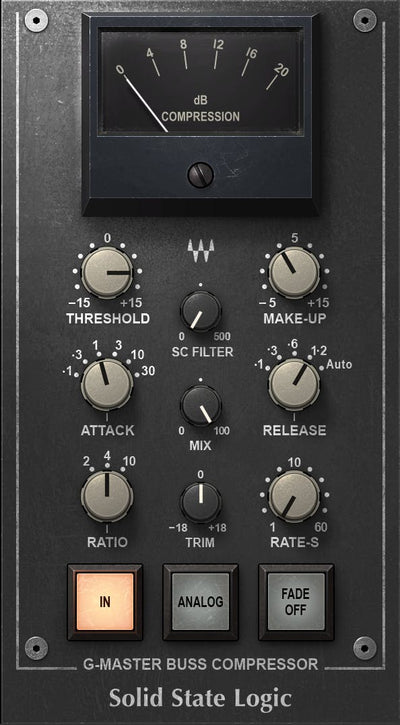 Waves SSL G-Master Buss Compressor: Buss Compressor Plugin
WAVES
Rs. 4,575 |
 Waves CLA-2A Compressor / Limiter: Compressor/Limiter Plugin
WAVES
Rs. 4,003 | |
|---|---|---|---|---|
| Platform | Mac, PC | Mac, PC | Mac, PC | Mac, PC |
| Plug-in Formats | VST-2, VST-3, AU, AAX | VST-2, VST-3, AU, AAX | VST-2, VST-3, AU, AAX | — |
| OS Requirements - Mac | macOS 10.10 or later | macOS Catalina 10.15, Big Sur 11, Monterey 12, Ventura 13, Sonoma 14 | macOS Catalina 10.15, Big Sur 11, Monterey 12, Ventura 13, Sonoma 14 | macOS Catalina 10.15, Big Sur 11, Monterey 12, Ventura 13, Sonoma 14 |
| Hardware Requirements - Mac | 2.5 GHz CPU (Intel, AMD or Apple Silicon), 4 GB RAM, 1 GB free disk space | 8 GB RAM, 16 GB free disk space | 8 GB RAM, 16 GB free disk space | Intel or Silicon Architecture, 8 GB RAM, 16 GB free disk space |
| OS Requirements - PC | Windows 7 or later | Windows 10 64 bit Windows 11 | Windows 10 64 bit Windows 11 | Windows 10 64 bit and Windows 11 |
| Hardware Requirements - PC | 2.5 GHz CPU (Intel or AMD), 4 GB RAM, 1 GB free disk space | 8 GB RAM, 16 GB free disk space | 8 GB RAM, 16 GB free disk space | X64 compatible Intel or AMD CPU, 8 GB RAM, 16 GB free disk space |
| Additional Compatibility | — | — | — | Minimum: 1024x768 Recommended: 1280x1024 / 1600x1024 USB displays are not supported as the primary display. Minimum: 1024x768 Recommended: 1280x1024 / 1600x1024 |